
Cameras
Place cameras on the map, configure coverage cones, and view live feeds
Cameras appear in Hydris as entities—place them on the map, see their coverage as a detection cone, and open their live feed from the detail panel. Reolink and Axis cameras are supported out of the box; to connect one, see the Reolink and Axis integration guides.
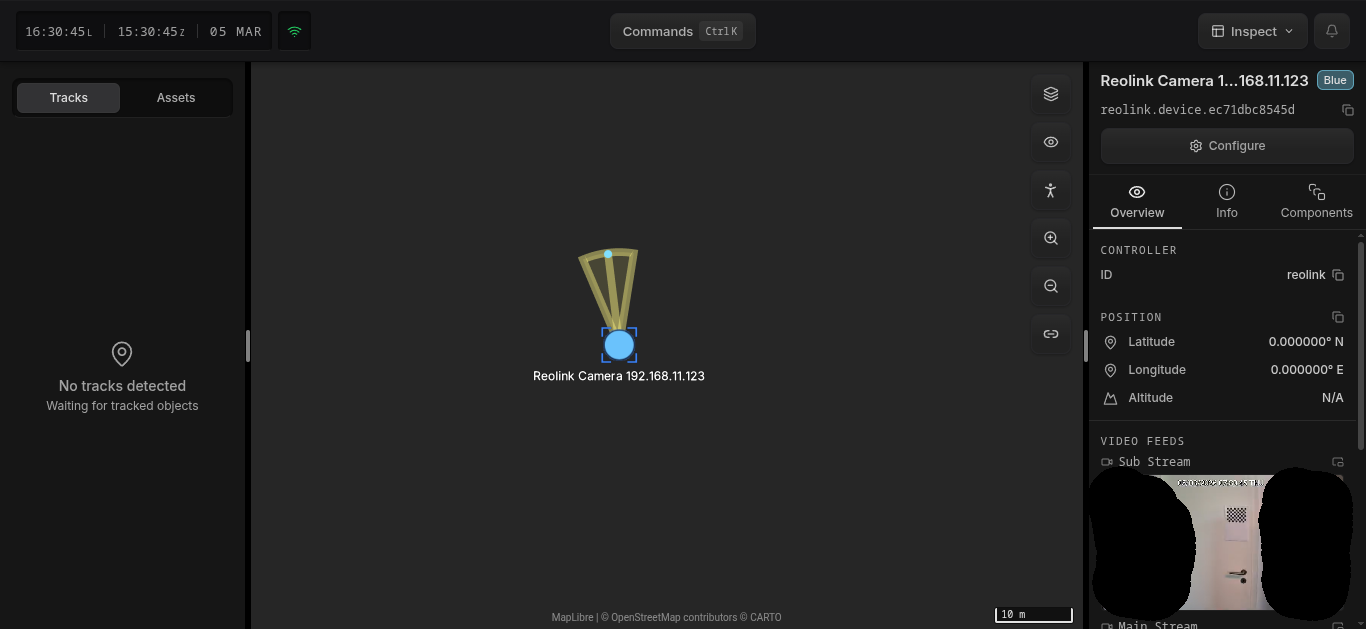
Auto-Detection
Cameras are automatically discovered on the network when they have ONVIF and Reolink's HTTP API enabled. No manual setup is required beyond enabling those endpoints in the reolink app. Detected cameras appear as entities in Hydris immediately.
Once detected, the camera is placed on the map at 0,0 (null island). You should configure its actual geographic position so it appears in the correct location.
Configuration
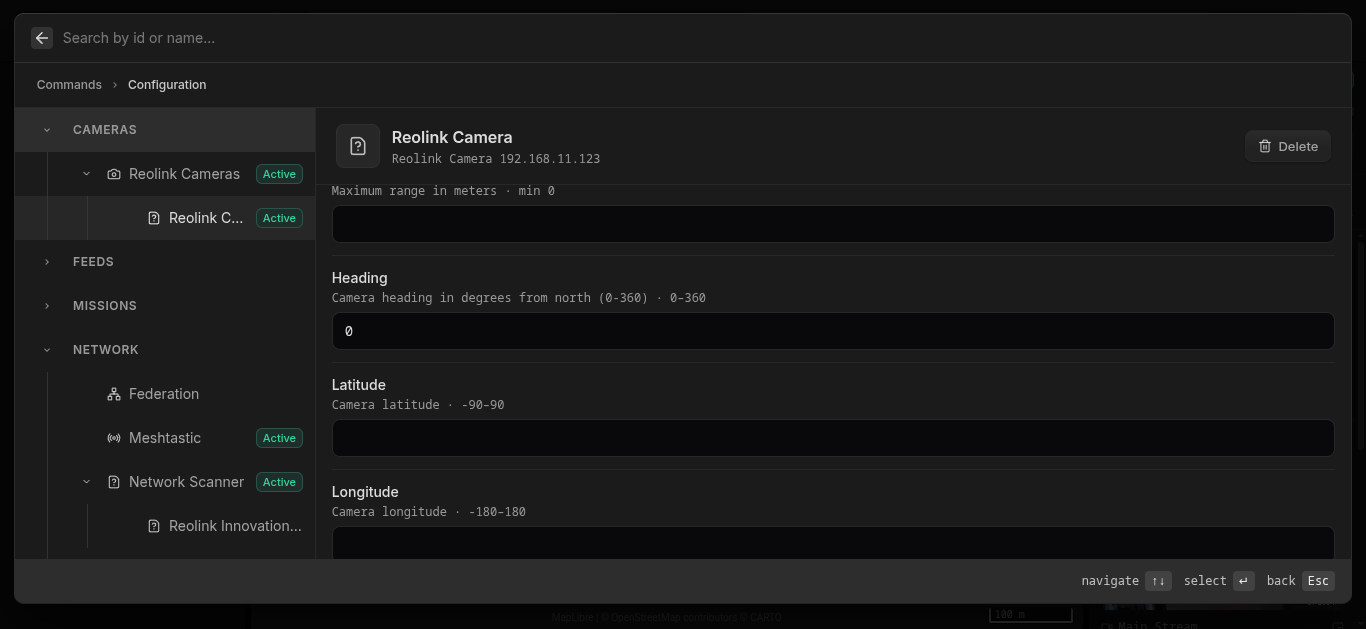
To configure a camera, select it in the entity list or on the map and click Configure in the detail panel. This opens the camera configuration with the following fields:
| Field | Description |
|---|---|
| Username | Override the username for this camera (leave empty for global default) |
| Password | Override the password for this camera |
| Field of View | Override horizontal field of view in degrees (0–360) |
| Range Min | Blind zone distance in meters |
| Range Max | Maximum detection range in meters |
| Heading | Heading of the base of the camera in degrees from north (0–360) |
To set the camera's geographic position, click the Position button in the configuration panel and place the camera on the map.
When Field of View, Range, and Heading are either auto detected or configured, the camera displays a detection cone on the map along with a focal point, giving you a visual representation of what the camera is currently looking at.
As a developer, you may also use target poses to make the camera point somewhere else by changing its focal point.
External Detections
If you run your own computer-vision pipeline (YOLO, custom models, etc.) against a camera stream, you can push detections into Hydris via the API. The engine links them back to the camera entity and computes world-space bearings from the bounding box. See the External Detectors integration guide for a full walkthrough.